 AI-generated
 Upload
01
Upload one photo of your piece, then pick a model, a setting and a pose. You get an on-model image ready for your product page and social posts.
Choosing is the whole job. If you want something specific, add a short note — otherwise just upload and generate.
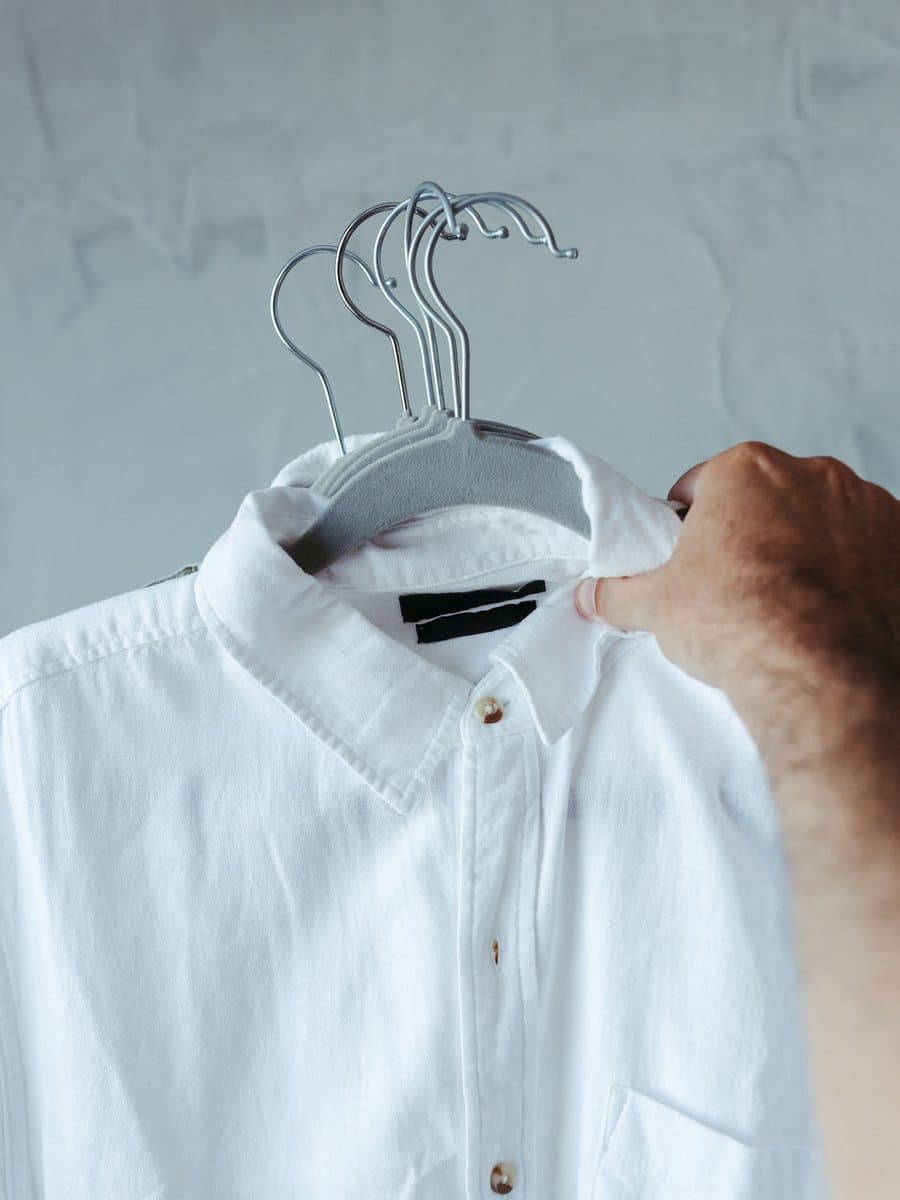
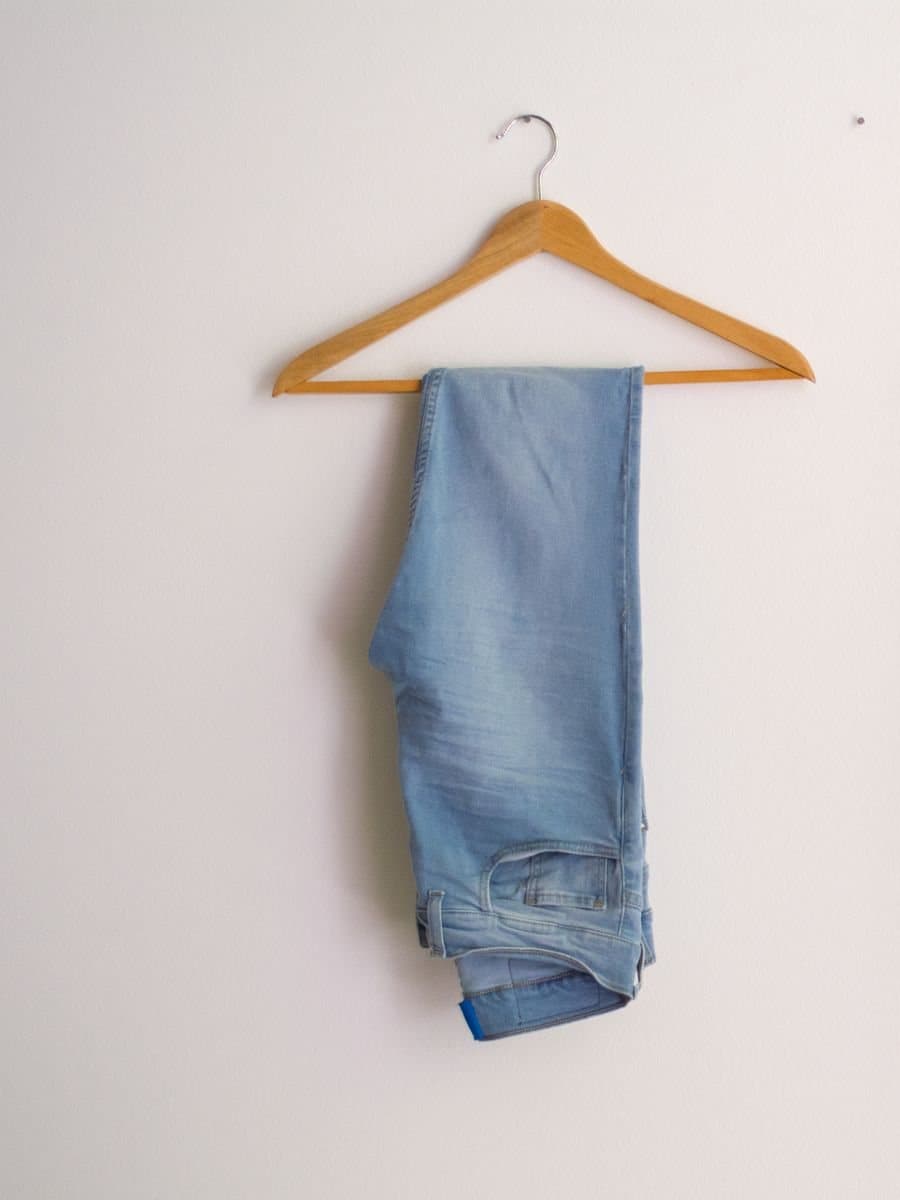
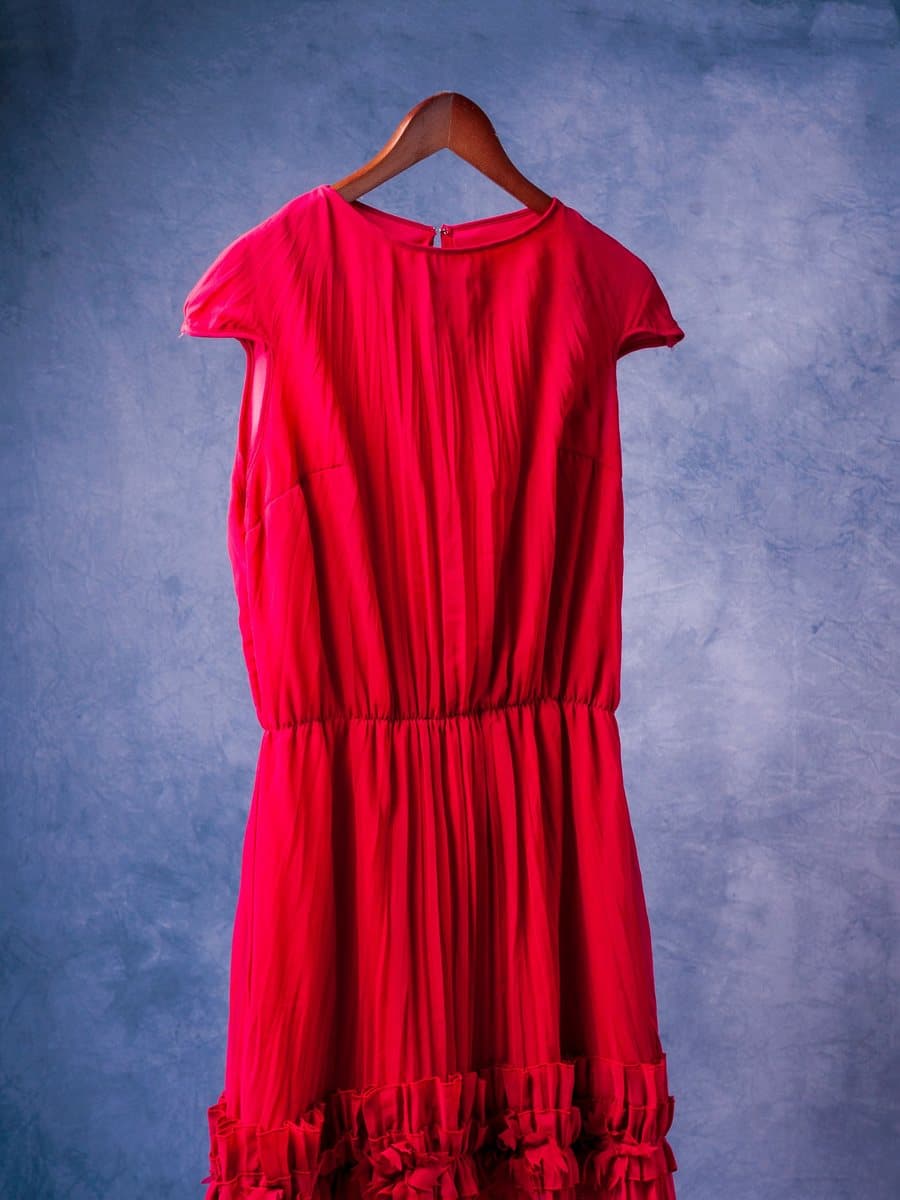
One clear photo of a single piece — flat lay, on a hanger or on a mannequin, shown whole and from the front.
Three models, four settings and six poses. A good combination is already selected, so you can go straight to step three.
Each shot is one 3:4 image. Download it, or generate again with the same settings for a different take.
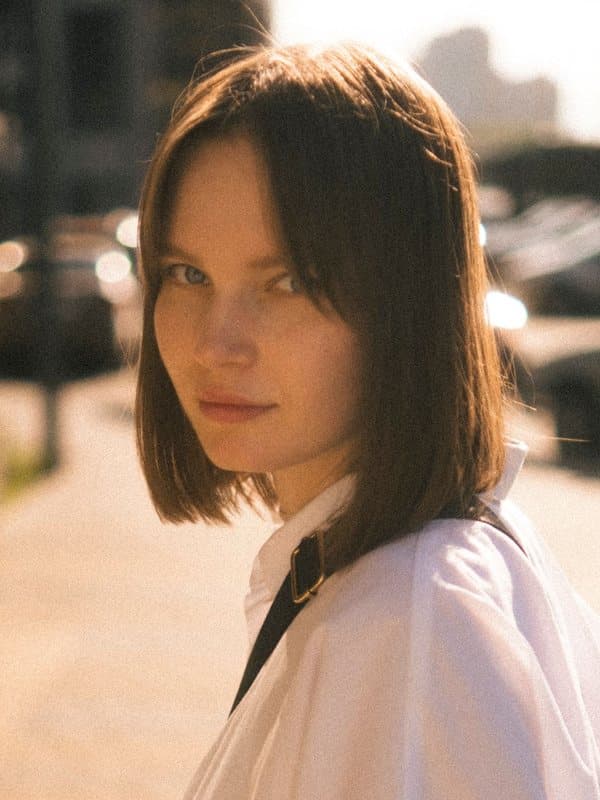
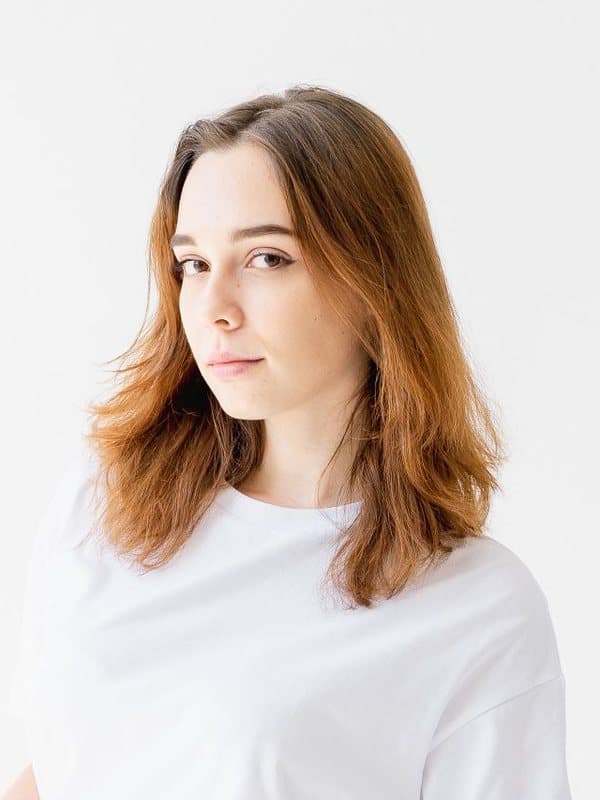
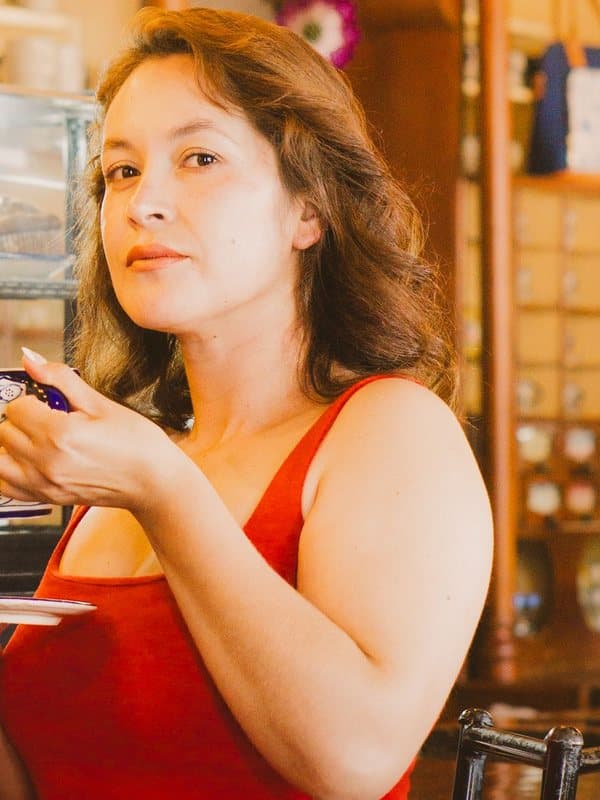
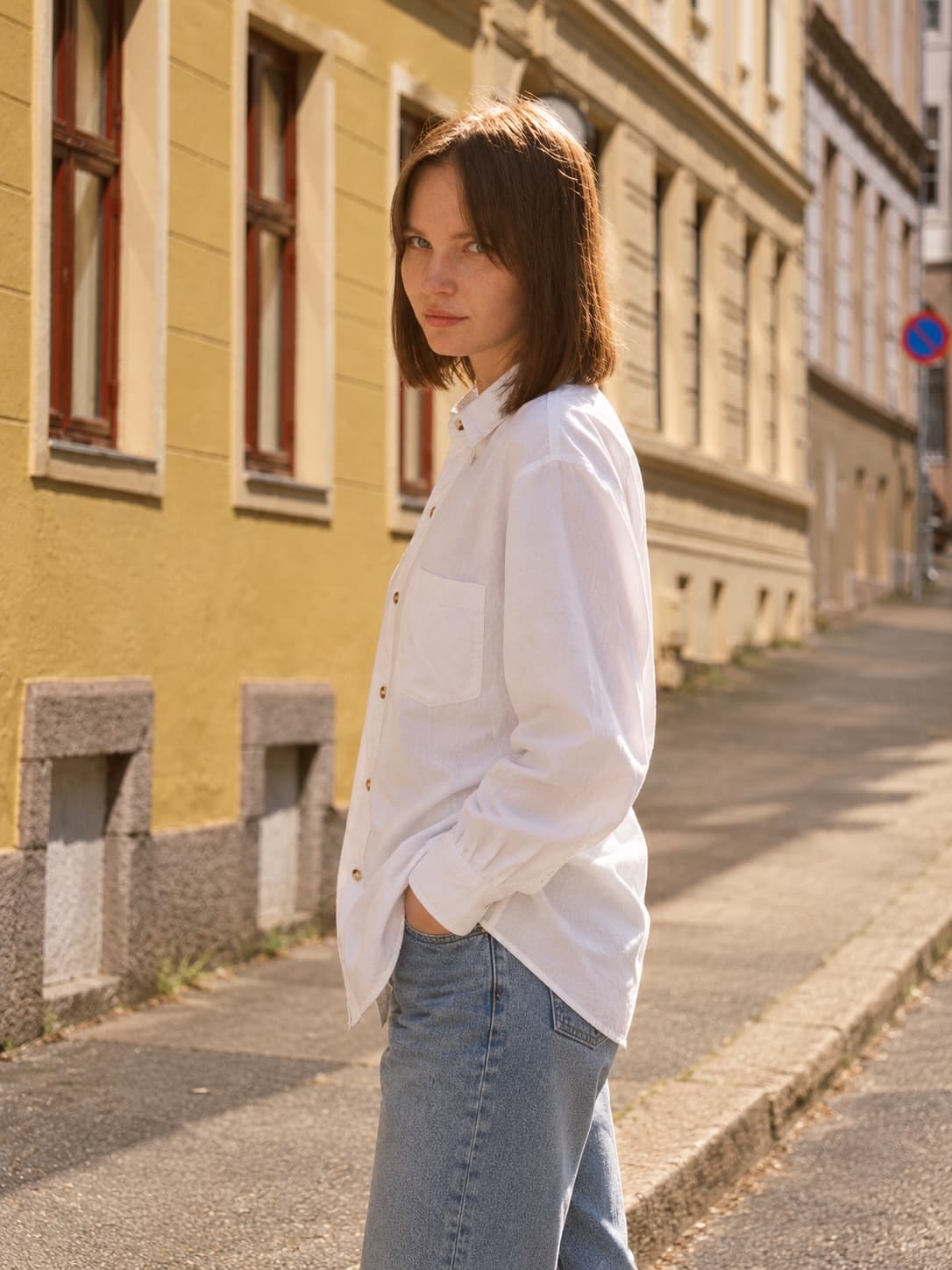
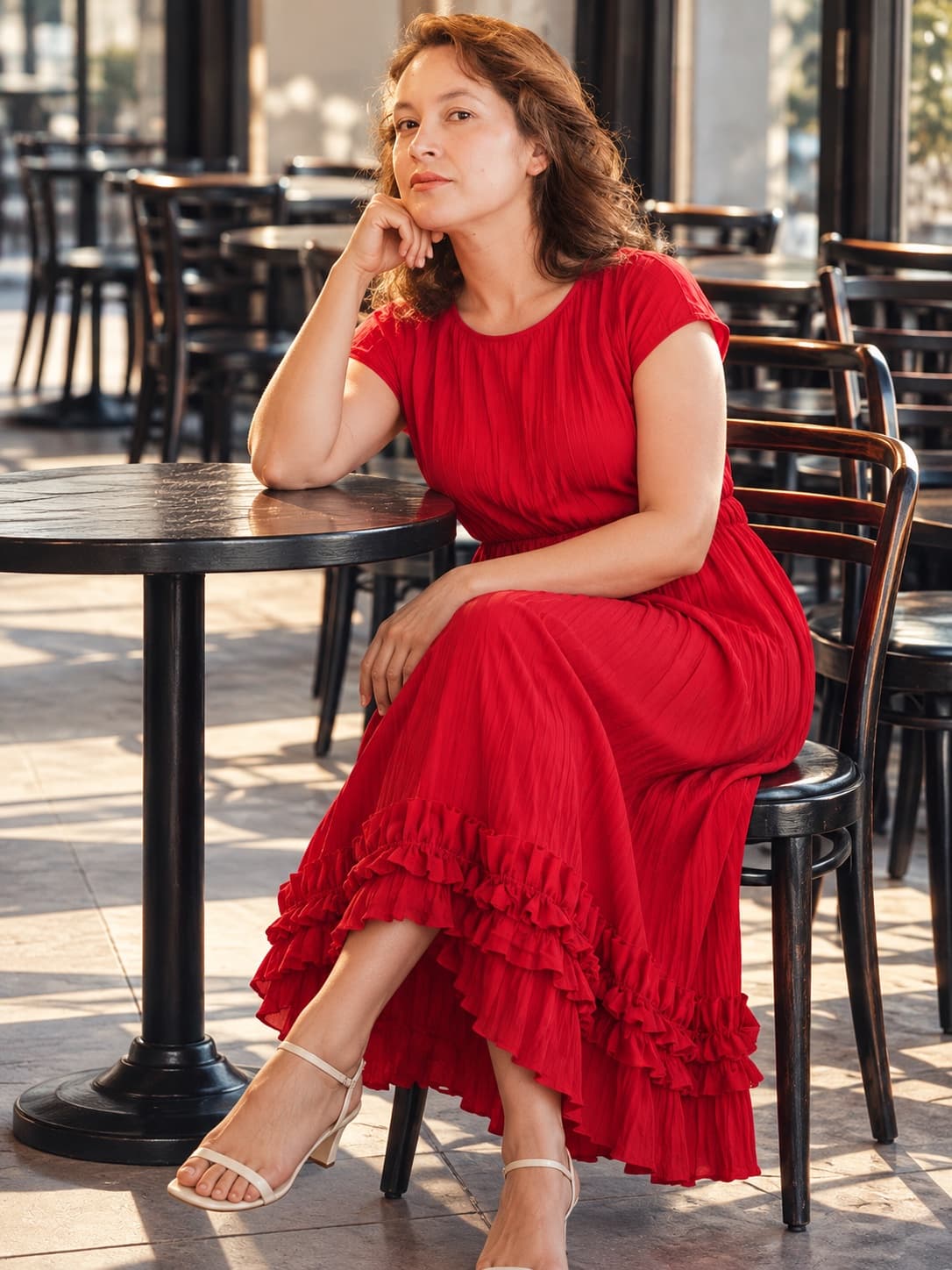
Each shot started as the single garment photo pinned to its corner. Model, setting and pose were picked in the Studio — nothing else.
AI-generatedUpload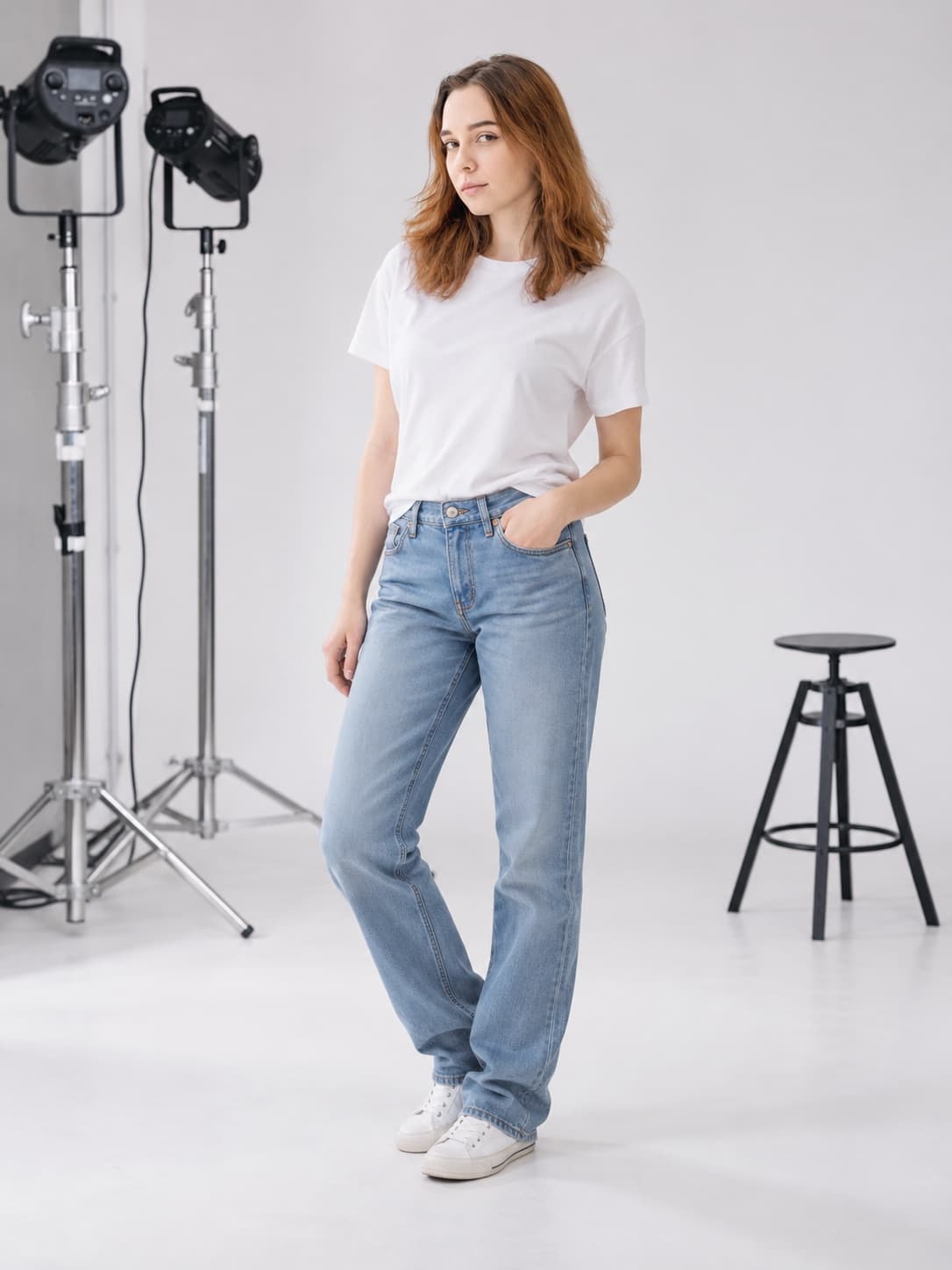 AI-generated
 Upload
 AI-generated
 Upload
Example images are AI-generated with OutfitShot from the garment photo shown. Results depend on the photo you upload and fine details can change, so check every image before you publish it.
No. Picking a model, a setting and a pose is enough. If you want something specific — soft daylight, hair covering part of the face — add a short note of up to 300 characters.
One garment per photo, shown whole and from the front: flat lay, on a hanger or on a mannequin. Avoid busy backgrounds, heavy filters or anything covering the piece. Tops, pants and dresses work best right now.
We aim to keep the color, cut, length, fabric texture, buttons and pockets. AI can still get details wrong, so look over every image before you publish it. Results don't show real sizing or fit.
Nothing during the invite-only beta. Each invite comes with 10 free shots, and a shot only counts once your image is ready. Paid shot packs are coming soon.
We don't keep them. Your garment photo is sent to the image-generation service we work with to make the shot, and the result comes straight back to your browser. Download the shots you want — closing or refreshing the page clears them.